


What Is Integrated Analytics?
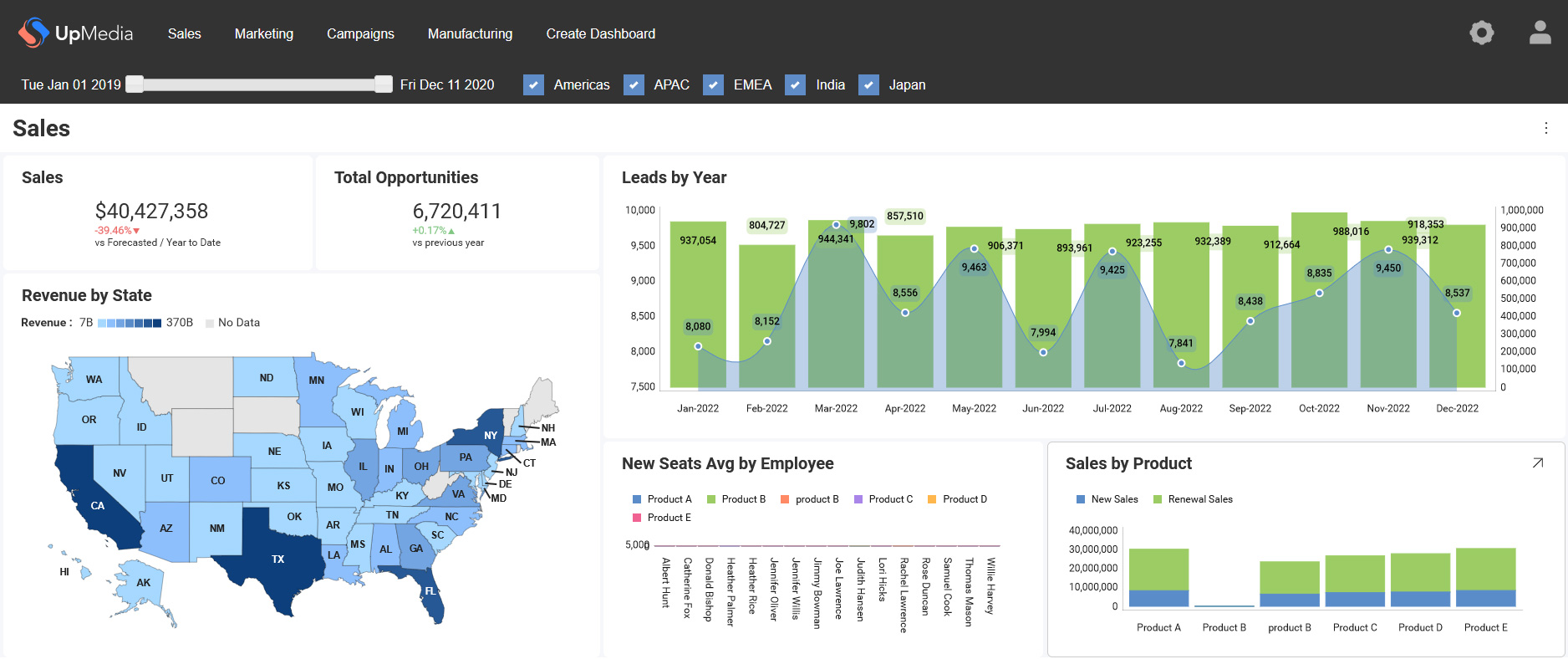
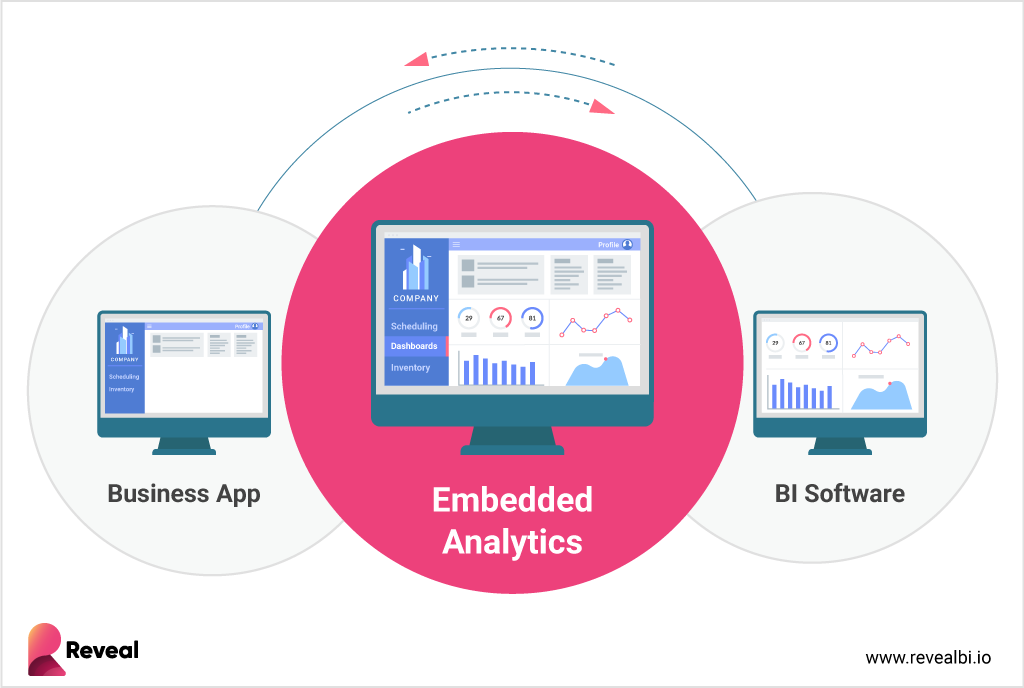
Integrated analytics refers to the practice of embedding analytics capabilities, such as dashboards, reports, data exploration, and AI-driven insights directly within business applications and workflows. Rather than routing users to separate BI tools, integrated analytics delivers contextual insight inside the software they already use. It keeps data, decisions, and workflows in one governed environment.
The term often overlaps with embedded analytics, though the emphasis may vary by vendor or architecture. Both approaches focus on delivering contextual insights inside applications rather than through standalone BI tools. To fully understand its impact, it helps to examine how integrated analytics reshapes SaaS products.
How Integrated Analytics Changes Modern SaaS Products
Modern SaaS products compete on user experience and speed of insight. Integrated analytics changes how teams design that experience. Instead of adding reports as an afterthought, product teams embed insights into core workflows. Analytics becomes part of how users complete tasks, not a separate destination.
Integrated analytics affects product performance in measurable ways:
- Reduced context switching >Users access insights without leaving the application.
- Higher product engagement Data becomes part of daily workflows rather than occasional reporting.
- Improved customer retention Products that surface relevant insights create stronger long-term dependency, as explored in customer retention with embedded analytics.
- Faster decision-making Insights appear at the point of action, not after exporting data.
This shift supports a model often described as contextual analytics, where insights align with specific user actions and permissions. When analytics integrates directly with product logic, it reflects roles, data boundaries, and workflow context. Understanding this shift requires examining how an integrated analytics platform operates at the architectural level.
How an Integrated Analytics Platform Works
An integrated analytics platform operates as a layered system that connects data, logic, and user interfaces inside an application. It does not function as a separate reporting portal. Instead, it integrates directly into the host product’s architecture. This structure allows analytics to align with application permissions, workflows, and user roles.
Core components typically include:
- Data ingestion and preparation layer Connects to databases, cloud services, and internal systems.
- API and SDK layer Exposes analytics functionality to the host application.
- Visualization engine Renders dashboards, charts, and interactive components.
- Access control framework Enforces role-based permissions and user-level restrictions.
- Multi-tenant isolation logic >Ensures each customer accesses only authorized data.
The integration layer often relies on an embedded SDK that connects analytics capabilities to the product interface. APIs manage authentication, data queries, and rendering logic. When these layers work together, the integrated analytics platform becomes part of the product’s infrastructure rather than an external add-on. Different architectural models implement these layers in different ways, which shapes flexibility, control, and security.
Integrated Analytics Architecture Models Explained
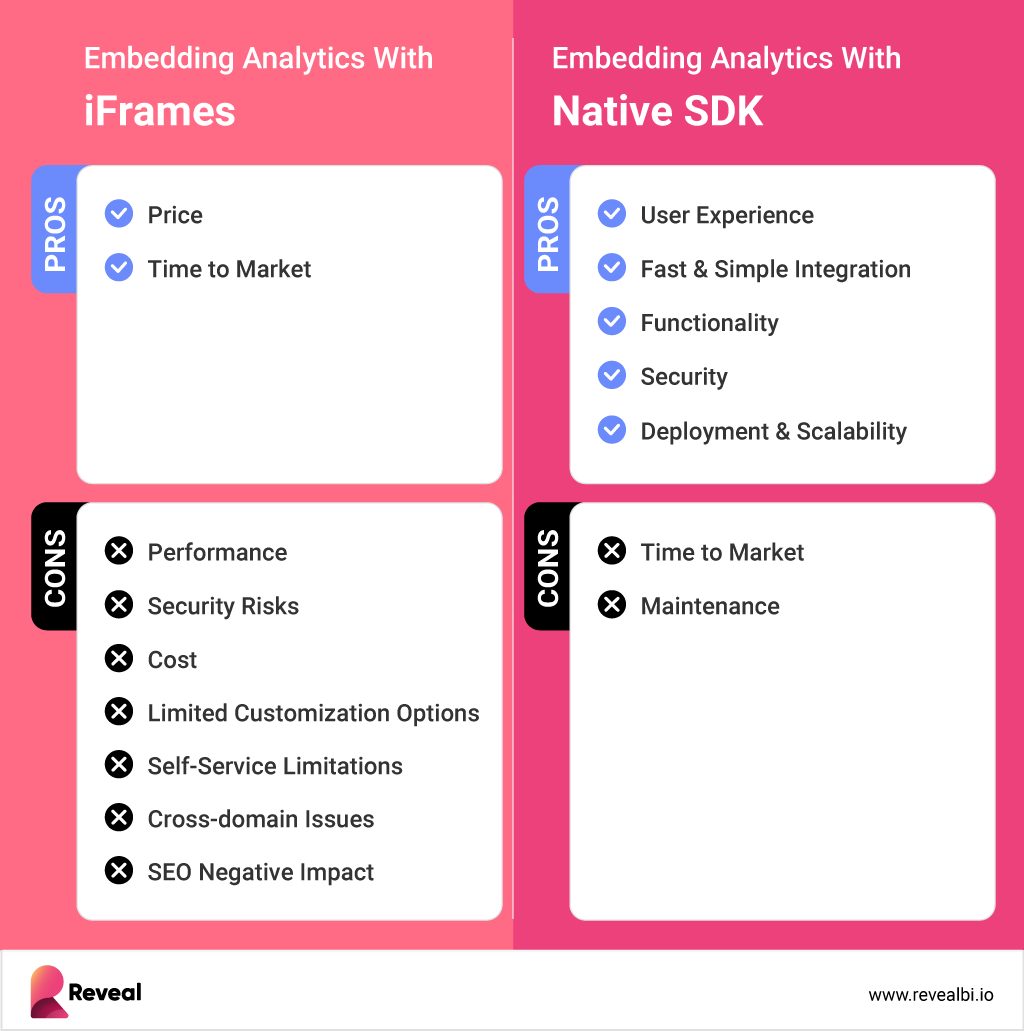
Architecture choices determine how integrated analytics functions inside a product. Different models offer varying levels of control, customization, and security. Some approaches prioritize speed of deployment. Others prioritize ownership and long-term scalability. Understanding these models helps teams evaluate trade-offs before selecting an integrated analytics platform.
iFrame-Based Integration
iFrame-based integration loads analytics inside a framed container within the application. This model separates the analytics engine from the host product. It often enables faster initial deployment. However, customization, UI control, and security boundaries may remain limited. Teams frequently compare this approach in discussions about embedded analytics vs iFrames.
SDK-Based Embedding
SDK-based embedding integrates analytics directly into the application’s codebase. This model allows deeper control over the user interface, authentication, and data permissions. Developers can align analytics behavior with product logic and role definitions. It typically supports stronger multi-tenant enforcement and branding control.
External BI Portal Model
The external BI portal model links users to a separate reporting environment. Analytics operates outside the core application experience. This approach often mirrors traditional reporting workflows. While it may centralize reporting, it reduces contextual alignment with in-product actions.